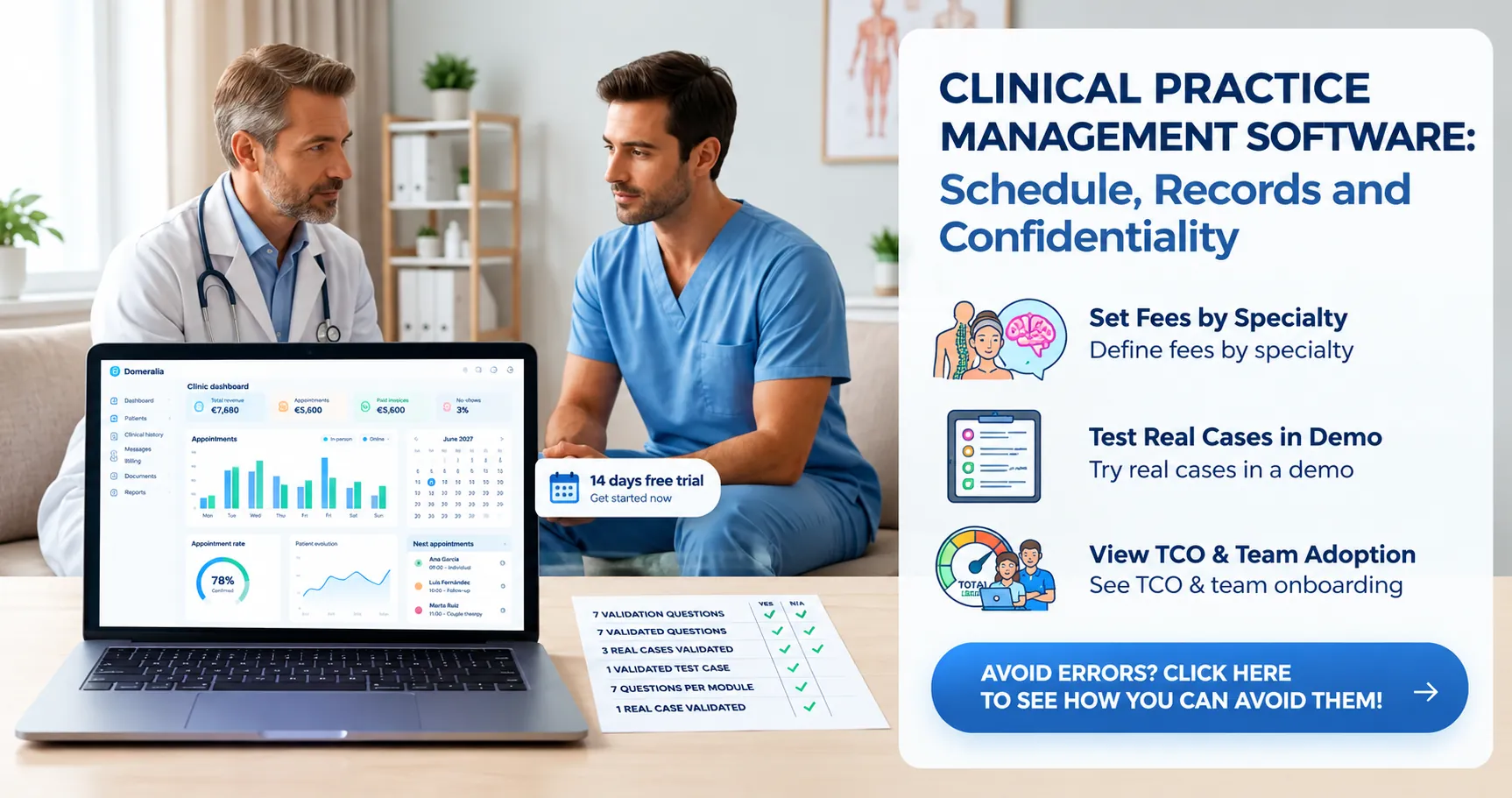
Choosing clinic management software is not choosing “who has the most modules on the landing page”. It is deciding which frictions in your practice you want to remove in the next 12 months — and which you can live with. This guide answers how to choose clinic management software with a framework of 7 decision questions by specialty. It is not a bookings-only checklist for aesthetics (that is already covered in what to look for when choosing an appointment programme) nor a brand comparison table (that is in the Domeralia vs Klinikare, Clinic Cloud, Doctoralia and others piece). The aim is that you leave with your own criteria, measurable and defensible to the team.
Before demos: write your “90-day problem”
If you go into a demo without a written problem, you buy features. If you go in with a problem, you buy outcomes. Write on one page:
- What hurts now (no-shows, double diary, paper, billing, waiting list, multi-site…).
- Who feels the pain (reception, leadership, clinicians).
- Which metric you would move in 90 days (e.g. cut no-shows by 3 points, remove cash Excel, unify two diaries).
- What is non-negotiable (GDPR, local billing, role-based access, support in your language).
That document is your filter. Anything that does not push those 90 days stays in “phase 2”, not in the purchase must-have.
The 7 decision questions (use them in every demo)
1. Is the diary the source of truth or are there “shadow diaries”?
Ask how slots, blocks, rooms, locum clinicians and chained appointments are handled. If the system forces parallel Excel for theatre, cubicles or shifts, you have not unified anything. Review in depth scheduling and bookings and the features hub.
Green flag: a change of appointment reflects instantly for reception, clinician and reminders.
Red flag: “we export to Google Calendar and that’s it” as the only critical integration without clinical-operational states.
2. Can the patient self-serve without breaking your rules?
Portal or online booking without minimum notice, appointment types or controls is a chaos generator. Insist on seeing confirmation, cancellation and rescheduling with rules. The product reference is landing + portal.
3. Does communication come from the system or from the physio’s pocket?
WhatsApp/SMS/email should originate from the appointment, with templates and logging. If the demo boasts “we integrate whatever you want” but day to day is a personal mobile, no-shows stay artisanal. Look at WhatsApp and, if relevant, waiting list to rebook cancellations.
4. Do clinical record and operations live together?
Software that only diaries and software that only documents force copying. Ask about record, consents, attachments, progress notes and permissions. You do not need a hospital EHR; you need the clinician not to open three tools per patient.
5. Is GDPR compliance a real module or a website disclaimer?
Ask for: roles and permissions, access logging, consent management, export/deletion, processors and data location. The GDPR page orients you on product approach; in the demo insist on seeing it, not only hearing it.
6. Does it fit your specialty or force “generic fields forever”?
A CRM dressed as a clinic will hurt daily. Validate flows for your vertical (packages, protocols, photos, teleconsult, multi-clinician). Use landings as a contrast of needs:
- Physiotherapy — courses, packages, rooms, progress.
- Aesthetic medicine — procedures, photos, checkout, consents.
- Psychology — confidentiality, teleconsult, sensitive diary.
- Multi-specialty clinic — several clinicians, roles, cross-occupancy.
7. What is the total cost to operate (not just the subscription)?
Licence + onboarding + team time + messaging modules + cost of unresolved no-shows. TCO detail in the companion article how much clinic management software costs and always cross-check with Domeralia pricing. Do not compare on marketing “from £X” alone.
Quick matrix by specialty: what to prioritise
Not every clinic should weight the seven questions equally. Adjust priorities:
- Physiotherapy: course diary + packages/checkout + WhatsApp + progress. Portal helps, but therapeutic rhythm leads.
- Aesthetic medicine: consents, before/after photos, no-show policy, checkout. A “pretty” booking programme without procedure operations falls short — so the appointment programme post complements this guide, it does not replace it.
- Psychology: fine permissions, teleconsult, sober reminders, minimal reception friction.
- Multi-specialty clinic / high-volume GP: roles, reception queue, appointment states, occupancy reporting. Unify the diary before asking for AI.
How to score demos without fooling yourself
Build a simple table (yes, one: the only Excel that is worth it) with rows = your 7 questions + 3 real cases from your clinic. Columns = vendors. Score 1–5 and note “we saw it work / they told us”.
- Force a real case: “patient cancels at 30 h, enters waiting list, slot gets filled”.
- Force permissions: reception must not edit what is not theirs.
- Ask realistic onboarding times and who configures templates.
- Talk to a clinic of similar size, not only the salesperson.
If a vendor shines in marketing and fails the real case, do not assume “they’ll learn”: that failure will be your eternal Monday.
Classic mistakes when choosing (and how to avoid them)
- Buying from fear of falling behind without a 90-day problem → unused modules.
- Leaving the decision only to reception or only to leadership → silent veto from the other side.
- Ignoring migration (patients, minimum history, templates) → weeks of dual system. See signals in Excel or paper vs clinic software.
- Choosing the cheapest subscription and paying in no-shows and hours. TCO lies if you omit lost occupancy.
- Demanding “everything” on day 1 → endless project. Better: diary + communication + minimum record; then layer 2.
Vendor comparison: when to use it (and when not)
When you already have your 7 answers and weights by specialty, then look at a market comparison to contrast approaches and positioning. Use Domeralia vs Klinikare, Clinic Cloud, Doctoralia and others as a map, not an automatic verdict. The right tool wins your cases, not a generic ranking.
If your main pain today is “online bookings only” in an aesthetics/salon context, the appointment programme article sharpens that subset. If your pain is full clinic (record, checkout, GDPR, multi-clinician), stay in this seven-question framework.
Decision in 15 days: practical calendar
- Days 1–2: 90-day problem + weight per question.
- Days 3–4: shortlist of 2–3 tools (not 8).
- Days 5–10: demos with real cases; record or note with the same template.
- Day 11: trial with one pilot clinician if possible.
- Days 12–13: add TCO and migration risk.
- Days 14–15: decide, tell the team the old system cut-off date, assign an internal change owner.
Without an internal owner, new software becomes “what leadership installed” and reception surrounds it with Excel. The owner can be senior reception plus a clinical champion.
What to look at in Domeralia with this same framework
If you evaluate Domeralia, do not ask for a generic tour: walk your 7 questions for your specialty. Use the physiotherapy, aesthetic medicine, psychology or multi-specialty clinic landings, the features hub and pricing. The 14-day trial is to validate the real case, not to “browse screens”.
Frequently asked questions
How do I choose clinic management software without drowning in comparisons?
Define the 90-day problem, score 7 questions with real cases and limit the shortlist to 2–3. Vendor tables come after, not before.
Do I need the most complete software on the market?
No. You need what solves your current bottleneck and can grow. Buying “everything” on day 1 usually delays adoption.
How is this guide different from choosing only an appointment programme?
An appointment programme optimises booking and occupancy in a narrow niche. This guide covers diary + communication + record + compliance + TCO by specialty.
How many demos are enough?
Two or three well run with the same script. More than five is often procrastination dressed as rigour.
Should I prioritise price or ease of use?
Prioritise real adoption and TCO. A low price with poor adoption is expensive; a usable tool that cuts no-shows pays for itself.
What if the team resists change?
Involve them in demo cases, choose a visible pilot and cut the parallel system on a date. Resistance is usually fear of double work, not the software itself.
Try Domeralia free for 14 days — create your account or see pricing.