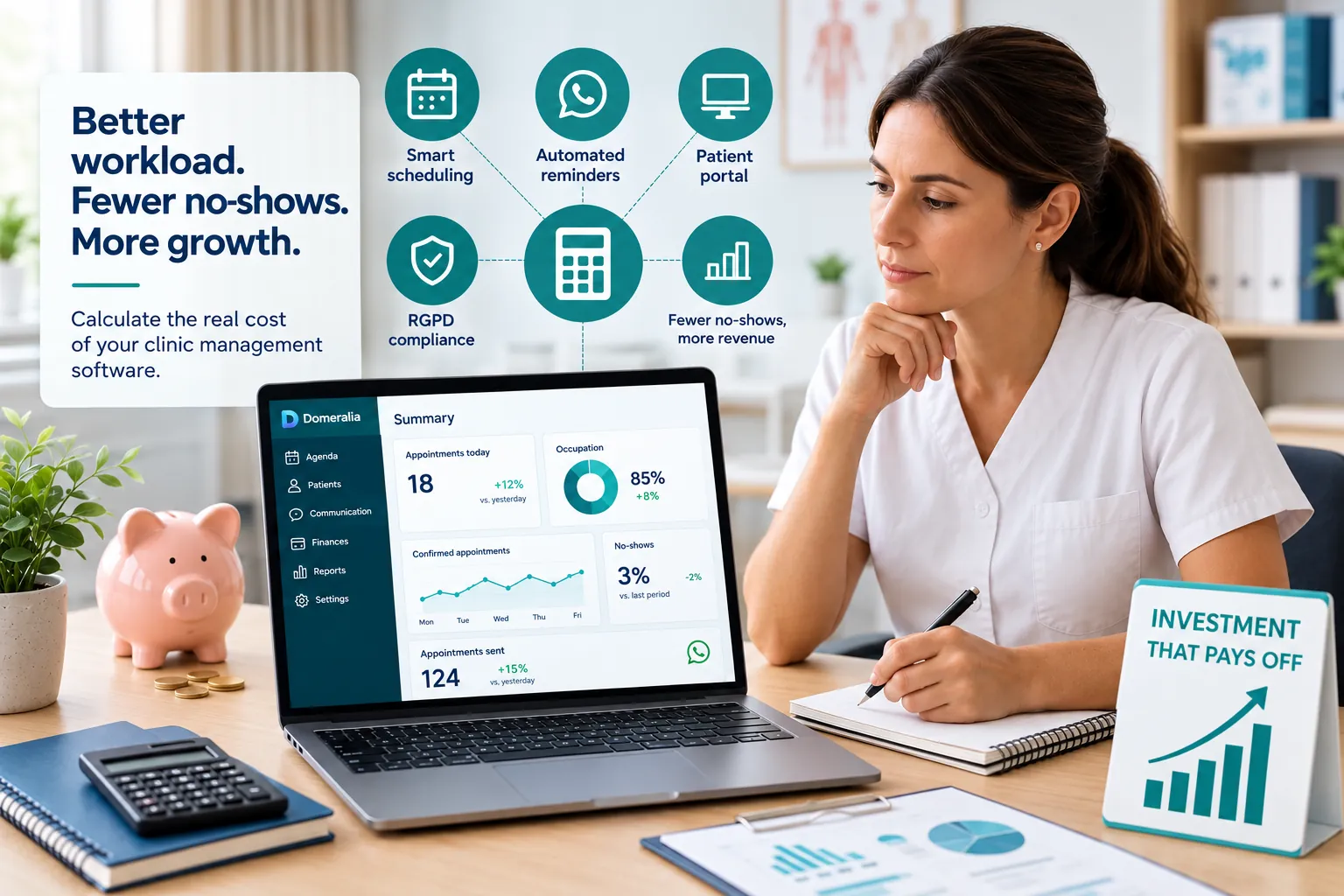
The question “how much does clinic management software cost?” is rarely answered well with a single number on a landing page. List price is only one line. Real cost — TCO (total cost of ownership) — adds communication modules, portal, compliance, onboarding, team time and, above all, what you keep losing in empty slots if the tool does not change how you work. This guide helps you calculate that TCO calmly. Current Domeralia amounts are on pricing; we do not invent fee figures here.
Licence price ≠ cost to operate
When you compare three vendors on monthly fee alone, you compare the shop window. In a clinic, software touches the diary, patients, messages and sensitive data. Typical TCO includes:
- Base subscription (users, clinicians, sites or packs).
- Messaging modules or usage (WhatsApp/SMS).
- Portal / online booking / capture landings.
- Compliance and security (GDPR, roles, backups).
- Onboarding, migration and training (internal or vendor).
- Team hours in “parallel mode” (Excel + software) during transition.
- Opportunity cost: no-shows, unfilled slots, diary errors.
A low fee with poor adoption can cost more than a mid-tier fee that actually cuts no-shows and unifies the diary. That is why this piece pairs with how to choose clinic management software: criteria first, numbers second.
Block 1: the subscription (what you see on /pricing/)
Start with the obvious, but do it properly:
- Does the plan scale by number of clinicians, diaries, sites or active patients?
- What is outside the plan (advanced billing, multi-site, API, white label)?
- Annual vs monthly commitment and what leaving entails?
- Does the trial let you test the real flow or only a toy environment?
For Domeralia, the canonical source is domeralia.com/en/pricing/. Use it on your shortlist; do not copy prices from old screenshots or forums. If you are sizing market alternatives, the comparison with Klinikare, Clinic Cloud, Doctoralia and others helps you understand approaches, not replace each vendor’s pricing page.
Block 2: WhatsApp and messaging — the “extra” that moves occupancy
Reminders are among the few features that pay for themselves when they work. But you must model their cost:
- Is a message volume included or billed per conversation/template?
- Who bears Meta/BSP cost and who bears software cost?
- Can you segment so you do not spam (and drive cost + blocks)?
Run the channel with criteria: timings, templates and action link. The WhatsApp module should be viewed with the diary, not as standalone chat. A sane calculation: estimate messages per appointment × appointments/month × unit cost from the provider, and compare with margin recovered if you cut no-shows by 2–4 points.
Block 3: portal and self-service — cost vs reception minutes
The portal / landing may be in the plan or an associated capability. Positive TCO shows when:
- “What time was it?” calls fall.
- Early cancellations rise (recoverable slots).
- Reception stops being a confirmation switchboard.
Put a value on reception time: hours/week on confirmations × hourly labour cost. If the portal removes half those hours, you already have a return line. You do not need penny precision; you need not to ignore that line.
Block 4: GDPR and risk — the cost of doing it wrong
“Cheaper” by skipping roles, consents or traceability is a fake saving. A data incident, complaint or ex-employee access mess costs money and reputation. Review what the product includes in GDPR and what you must organise (policies, processors, internal training).
In TCO, add:
- Time to configure permissions and consents.
- Occasional legal advice (if your size warrants it).
- Expected risk cost (qualitative is fine: high/medium/low by vendor).
Block 5: the cost of no-shows (almost always underestimated)
Assume, as a mental model only — not a promise:
- Average appointment value: yours.
- Appointments/week/clinician: yours.
- Current no-show rate: measure 4 weeks.
Each percentage point of no-show is money you had already “sold” in the diary. If software + processes (reminders, portal, waiting list, policy) cut that rate, annual return often eclipses the gap between two plans. Expand the reasoning in how digital management recovers money in your clinic and no-show playbooks (avoid no-shows, no-shows in aesthetics).
Important: software does not “guarantee” a drop. Positive TCO appears when you implement rules and measure. Without that, you paid the licence and stayed the same.
Block 6: onboarding, migration and parallel mode
Frequent invisible costs:
- Loading patients and clinicians (even minimum viable).
- Redoing appointment templates and reminder texts.
- Training reception and two clinical champions.
- Weeks with Excel + software at once (the most expensive mode).
Budget internal hours. If the vendor offers guided setup, compare with the cost of improvising. An orderly migration (see signals in migrating from Excel/paper to software) reduces the hidden bill of dual systems.
Express 12-month TCO template
Copy this into your spreadsheet:
- 12 months subscription (per pricing or other vendors).
- + 12 months messaging estimate.
- + Onboarding (internal + external).
- + Parallel-mode hours (weeks × hours × hourly cost).
- − Margin recovered from fewer no-shows / more filled slots (conservative estimate).
- − Reception hours freed (conservative estimate).
The result is not revealed truth; it is a compass so you do not choose “cheapest fee spreadsheet”.
Signs a “cheap” price will cost you
- Critical messaging goes via personal mobile “because it is free”.
- No portal or confirmation states: you still call the same.
- GDPR is a PDF and there are no roles.
- The diary does not support your specialty without hacks.
- No clear migration path: you will live in parallel for six months.
Conversely: a plan that includes (or integrates well) diary + WhatsApp + portal + permissions can justify a higher fee if appointment volume is high. Review the features map to see what you are actually paying for.
How to use pricing + choice guide + comparison together
- Clarify criteria with the choice guide.
- Contrast market approaches in the software comparison.
- Quantify TCO with this template and price Domeralia only from /en/pricing/.
- Validate on a 14-day trial a real case (cancellation → waiting list → slot filled).
That order avoids the classic trap: falling for a price and discovering at 60 days that no-shows are unchanged because the reminder channel was never implemented.
Frequently asked questions
How much does clinic management software typically cost in the UK and EU?
It depends on clinicians, sites and modules (messaging, portal, billing). There is no single useful market price: calculate TCO for your volume and always check the vendor’s pricing page.
Why do you not publish Domeralia fees here?
Because plans change and the reliable source is domeralia.com/en/pricing/. We avoid outdated figures that confuse the decision.
Is WhatsApp usually the largest variable cost?
In high-volume clinics, messaging can be the most visible variable line. Even so, it is usually smaller than margin lost to no-shows without reminders.
Should I pay extra for a GDPR module?
You should require real compliance capabilities. If they are in the plan, better; if not, weigh the risk of a weak product against one with solid GDPR support.
How do I know if the software pays for itself?
Measure baseline no-show and manual confirmation hours; review at 30–60 days. If nothing moves, the fault is usually implementation, not fee alone.
What do I look at first: price or demo?
Operational fit first (diary, communication, permissions); then TCO with real pricing. An attractive price on a flow you will not use is noise.
Try Domeralia free for 14 days — create your account or see pricing.