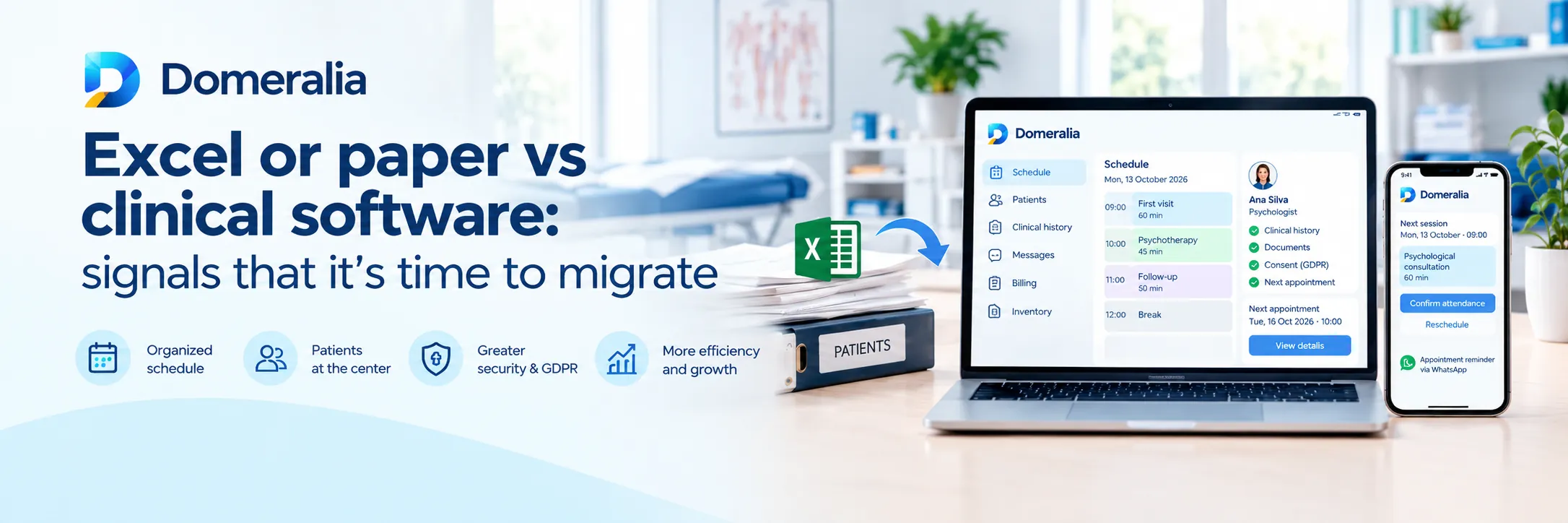
Excel and paper are not “primitive”: they were the right answer when the practice was one diary and two clinicians. The problem appears when volume, team or risk (GDPR, no-shows, double booking) grows and the patch becomes the system. If you are considering migrating from Excel to clinic management software, you do not need a motivational “digital transformation” speech. You need objective signs, a migration checklist and a cut-off date for parallel mode. Because the real cost is not the licence: it is living three months with Excel and software at once.
Excel and paper work… until they do not
A well-built sheet can coordinate a simple diary. A folder can store consents. What does not scale well:
- Several clinicians editing at once (versions, overwrites, “who has the good file?”).
- Reliable reminders tied to appointment status.
- Permissions (reception vs clinician vs leadership).
- Traceability of who viewed or changed data.
- Waiting list and gap refills in minutes, not the next day.
When that hurts every week, migrating stops being “modernising” and becomes loss control. The money frame is in how digital management recovers money in your clinic; the diary angle is in from diary chaos to digital efficiency.
12 signs it is time to migrate (sooner rather than later)
If you tick four or more, the cost of waiting is already operational:
- There are two or more “source of truth” diaries (Excel + Google + notebook + Instagram).
- You had double booking or overlaps in the last month.
- Reminders depend on someone “remembering to send the WhatsApp”.
- You cannot state your no-show rate from 4 weeks of data.
- Reception spends more than 1–2 hours a day confirming appointments.
- When a clinician is off sick, the diary is in limbo because “it was on their Excel”.
- Consents or anamnesis live in loose PDFs / folders with no structure.
- You do not know who exported or copied the patient list.
- The waiting list is a WhatsApp group or a forgotten column.
- Billing/checkout does not match what was booked without heroic reconciliation.
- Opening a second site or adding a clinician feels logistically terrifying.
- The owner is the only person who understands “how everything is set up”.
One isolated sign can be patched. A cluster is operational debt with interest.
What to migrate first (and what can wait)
The classic mistake is wanting “all history since 2014” before using the system. Recommended order:
- Phase A — Operate now: clinicians, services/appointment types, future diary (30–60 days), reminder templates, basic roles.
- Phase B — Active patients: minimum record (identity, contact, alerts) for anyone with an upcoming appointment or treatment in progress.
- Phase C — Critical documentation: valid consents, open debts/packages, essential allergies/clinical alerts.
- Phase D — Deep history: only what is clinically necessary; archive the rest read-only.
Perfect migration is the enemy of useful migration. Day 1 of the software must allow booking, confirming and charging/recording without falling back to Excel “just in case”.
Migration checklist (operational, not theoretical)
1. Project owner and cut-off date
Name an internal lead (even part-time) and a date when Excel stops being editable for the diary. Without a date, parallel mode lasts forever.
2. Source inventory
- Diary sheets by clinician/site.
- Patient lists (CRM, Excel, Mailchimp, etc.).
- Packages / sessions outstanding.
- Current message templates.
- Legal documents (consents, processor agreements).
3. Minimum clean-up before import
Duplicate phone numbers, names without surnames, ghost appointments, test patients. Rubbish in = rubbish out. Spend half a day on this; save two weeks of confusion.
4. Software configuration (before the big bang)
- Appointment types and real durations (with buffers).
- Hours and blocks (lunch, meetings, room cleaning).
- Roles: what reception vs clinician can see.
- WhatsApp/email templates with portal link if applicable.
- Cancellation policy visible in reminders.
Use the features map so you do not configure modules you will not use in month 1.
5. 5–10 day pilot
One clinician or one site runs only in the software. The rest may stay on the old system briefly. Goal: break failures small. Force: new booking, reschedule, cancellation, no-show, new patient.
6. Express training by role
- Reception: diary, statuses, reminders, exceptions.
- Clinician: view diary, record, register agreed minimum.
- Leadership: occupancy, permissions, what to review on Friday.
If training is “watch a 2-hour video”, it fails. Better 40 minutes with real cases from your clinic.
7. Cut-off and Excel archive
On cut-off day: diary Excel read-only or renamed ARCHIVE-DO-NOT-USE. Anyone editing the old file sabotages migration — say it out loud.
8. 30-day stabilisation
10-minute daily in week one (what failed yesterday). Measure no-show, double bookings (must be zero) and manual confirmation minutes. Adjust templates; do not go back to paper.
How not to lose money in the transition
During migration, the future diary is sacred. Prioritise:
- Already committed appointments loaded correctly.
- Reminders active from pilot day 1.
- Single channel for changes (no “I’ll note it in the notebook and later”).
Diary chaos is not fixed by buying software alone; it is fixed by closing parallel channels. If you live that chaos today, from diary chaos to digital efficiency describes the operational destination; this checklist is the bridge.
GDPR in migration: not an appendix
Moving data from Excel to the cloud involves controller, processor, minimisation and access rights. Do not copy columns “just in case” (companion ID numbers, sensitive notes in plain text, old marketing lists). Define what moves and who accesses it. Product approach is in GDPR; your organisational duty does not disappear with the licence.
How long it takes (realistic ranges)
- 1–2 clinician practice: pilot + cut-off in 2–3 weeks if you are decisive.
- 3–8 clinician clinic: 4–8 weeks with pilot by shift/site.
- Multi-site: migrate site by site; do not switch everything off the same Monday with no safety net.
If someone promises “perfect full history by Friday”, be sceptical — or accept that Friday starts eternal parallel mode.
Cost: look at TCO, not just the subscription
Migration has hours cost. Staying on Excel has cost too: unmeasured no-shows, dead gaps, data risk, dependency on one person. Size it with pricing and TCO reasoning in how much clinic management software costs. To choose a vendor with criteria (not fear), use how to choose clinic management software.
14-day plan for clinics that have had enough
- Day 1: owner + score the signs + tentative cut-off date.
- Days 2–3: inventory and duplicate clean-up.
- Days 4–5: software signup, diary and roles setup; trial at app.domeralia.com/register.
- Days 6–10: pilot with one clinician; reminders on.
- Days 11–12: reception + lead clinician training.
- Day 13: load remaining future diary.
- Day 14: cut editable Excel; read-only archive.
Ambitious? Yes. Cheaper than six months of “we’ll look at it later”? Also yes.
Frequently asked questions
Do I need to migrate all Excel history?
No. Migrate future diary, active patients and critical alerts. Deep history can be archived and consulted only when needed.
How long can I keep Excel and software at once?
The minimum: the pilot. More than 4–6 weeks of parallel mode usually creates divergences and worse errors than a clean cut.
What if reception resists?
Involve them in the pilot and measure time saved on confirmations. Resistance often drops when double work really disappears.
What about the team’s personal WhatsApp accounts?
They switch off as the diary channel on cut-off day. Reminders and changes must live in the system; otherwise you migrated halfway.
Can I migrate only the diary and leave the record for later?
Yes as phase A, provided minimum record (contact + alerts) exists for active patients. Without reliable contact, reminders fail.
Where do I start today?
Count the signs in this guide, pick a cut-off date and open a trial. Compare plans on pricing once clinicians and sites are clear.
Try Domeralia free for 14 days — create your account or see pricing.